Phase 1: Create Credentials
Goal
The goal of this phase is simple: you can sign in to n8n with your workshop email and a memorable password that you chose yourself.
Guided steps
Step 1: Open the invitation link
Open the n8n_invitation_url you received from the instructor. It will take you to the n8n sign-up page.
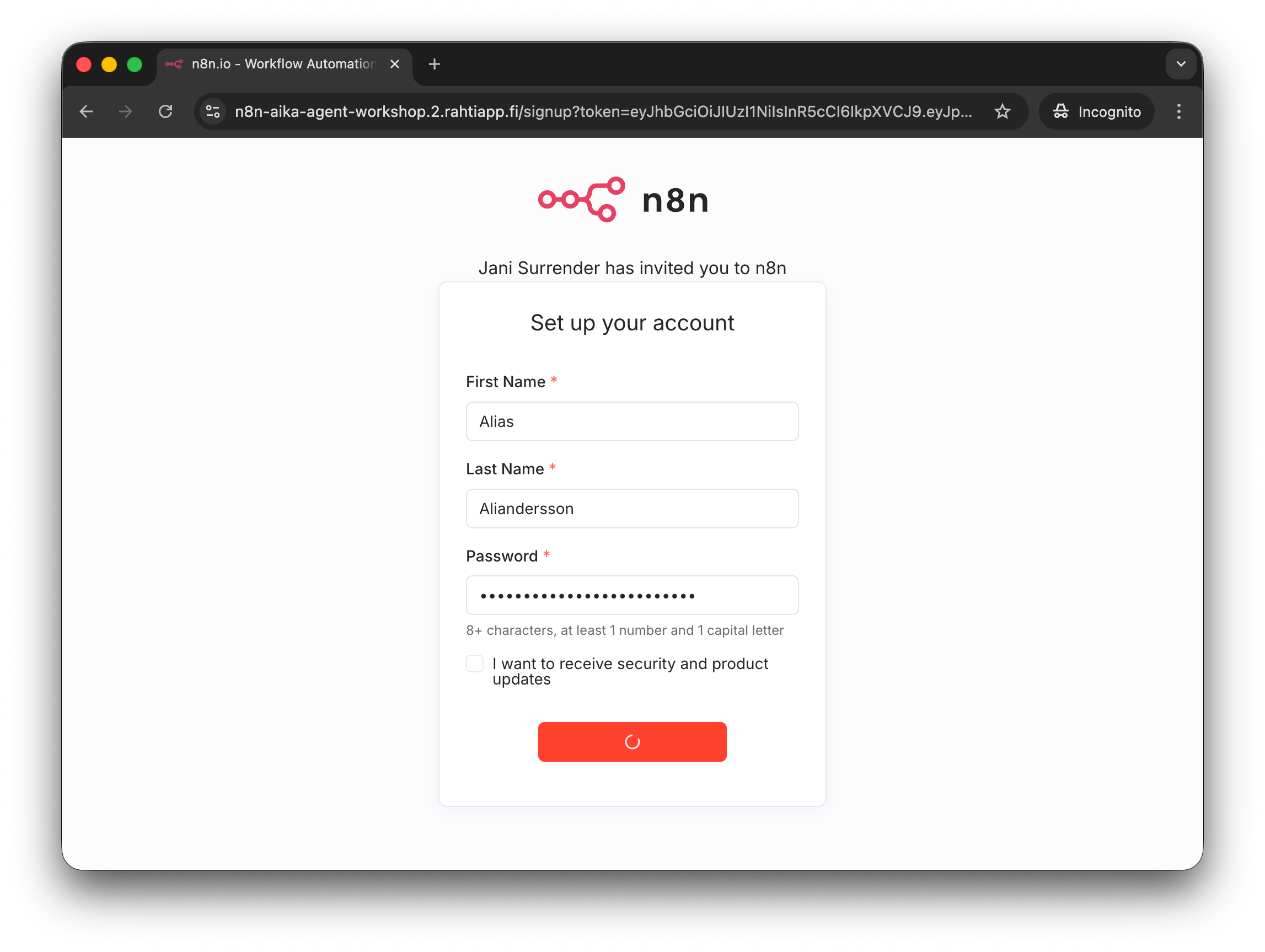
Create your account using the workshop email and a memorable password. You can choose any first name and surname. Avoid using real personal information if you prefer not to.
Do not forget your password
Do NOT forget your password. We will not have time for password resets in this workshop. Choose a password that you can remmeber for the next 45 minutes.
Step 2: Finish sign-up and enter n8n
After the form is accepted, n8n may show a few onboarding screens. It is fine to skip anything that is not needed for the workshop and continue to the site.
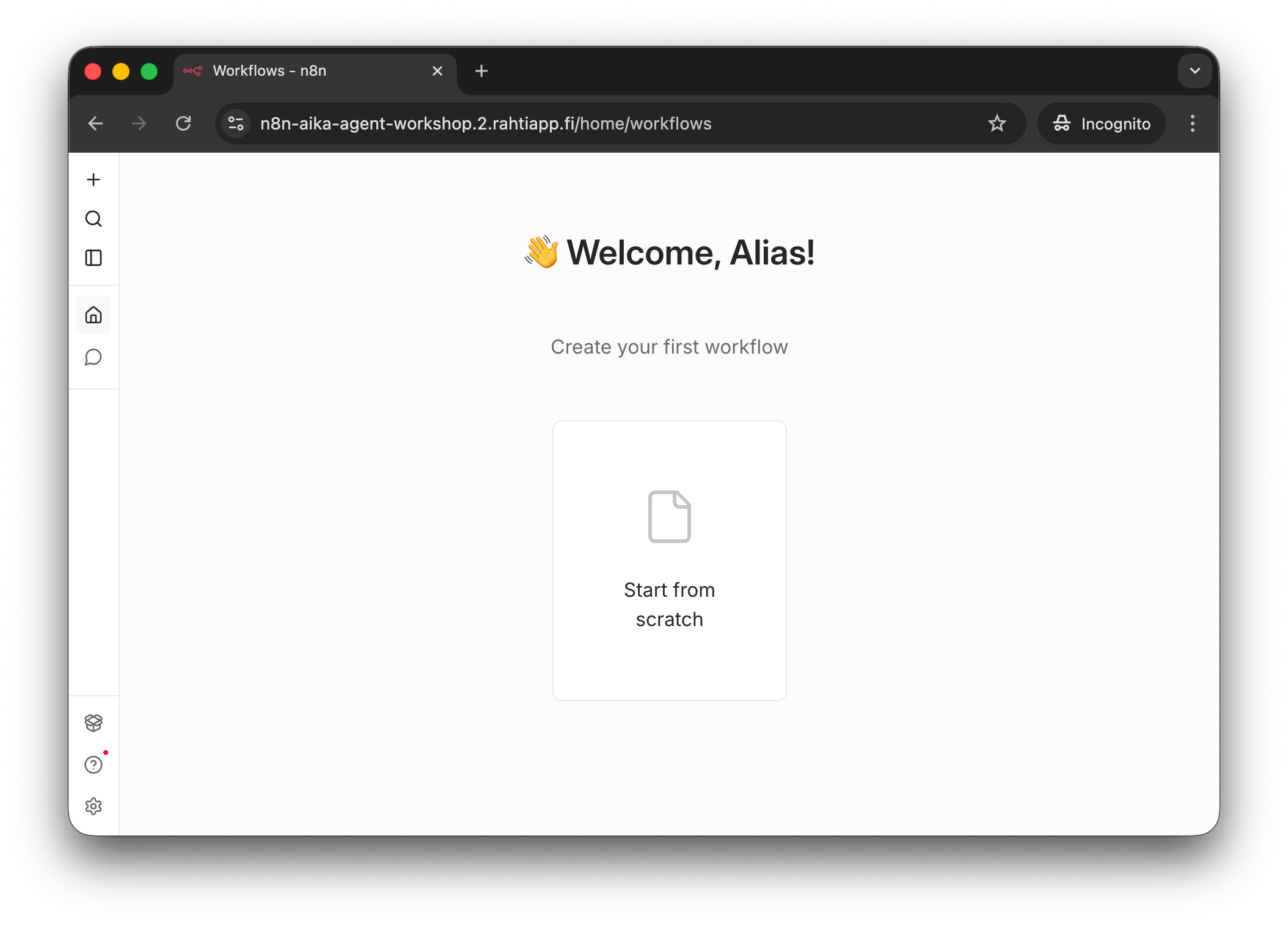
This is the n8n welcome page after signing up and continuing past any optional onboarding screens.
If you accidentally close the browser tab, do not worry. Simply navigate back to: n8n-aika-agent-workshop.2.rahtiapp.fi and sign in with the email and password you just created.