Phase 1: Create Credentials
Goal
The goal of this phase is that you have created a local note where you have URL (web addresses), user names and passwords for the following services:
- n8n
- Mattermost
- MinIO
Recap
You have received a JSON from the lecturer. In this exercise, an example like the one below is used, but your values will be different. The values in this demo are:
{
        "email": "clever-mayfly@foobar.local",
        "n8n_invitation_url": "https://n8n-aika-agent-workshop.2.rahtiapp.fi/signup?token=eyJhbGciOiJIUzI1NiIsInR5cCI6IkpXVCJ9.eyJpbnZpdGVySWQiOiI1NzU3NDNlOS1iODU2LTQ1NjMtOGE2My02ZGNjZTJjYTgyNjIiLCJpbnZpdGVlSWQiOiI0NzcwMTkzMS0xYjk3LTQ0OWUtOWRlYy04OTNlY2YzMmVjOTEiLCJpYXQiOjE3NzY3NDg5MjAsImV4cCI6MTc4NDUyNDkyMH0.gMYSrry83hEtpWGFEUvB0icpCBjwix6SLYaANeyFtAE",
        "minio_username": "clever-mayfly",
        "minio_password": "Clever-Mayfly14"
}
Guided steps
Step 1: Create a local note
If you have note already, create a local Note where you can store any information you need during the workshop. Prefer a simple tool like Notepad or Notes app. Below is a screenshot of Apple Notes app, containing what is known at this point.
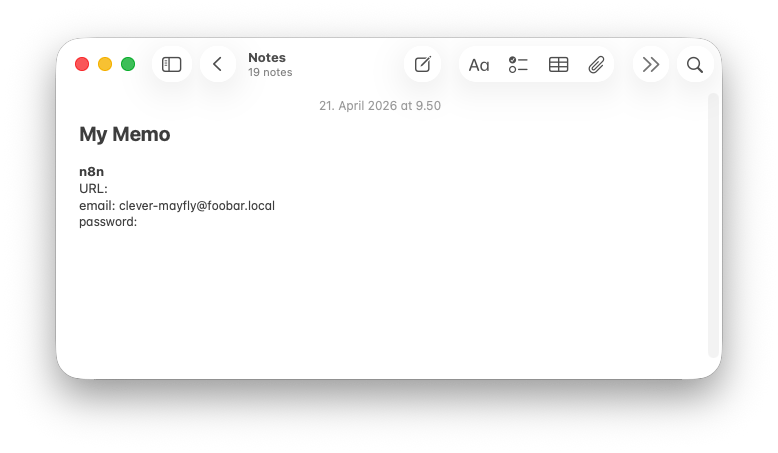
A new note has been created in the Notes app. The email is known from the JSON, but the password and URLs are missing. Make up a new password. It needs to to be 8+ characters, contains small and capital letters, and a number.
Step 2: n8n credentials
Follow the URL in the n8n_invitation_url field of the JSON you received from the instructor. You will land on a sign-up page. Create your account using the email and password from the JSON. You can choose any First and Surname. Avoid using actual personal information.
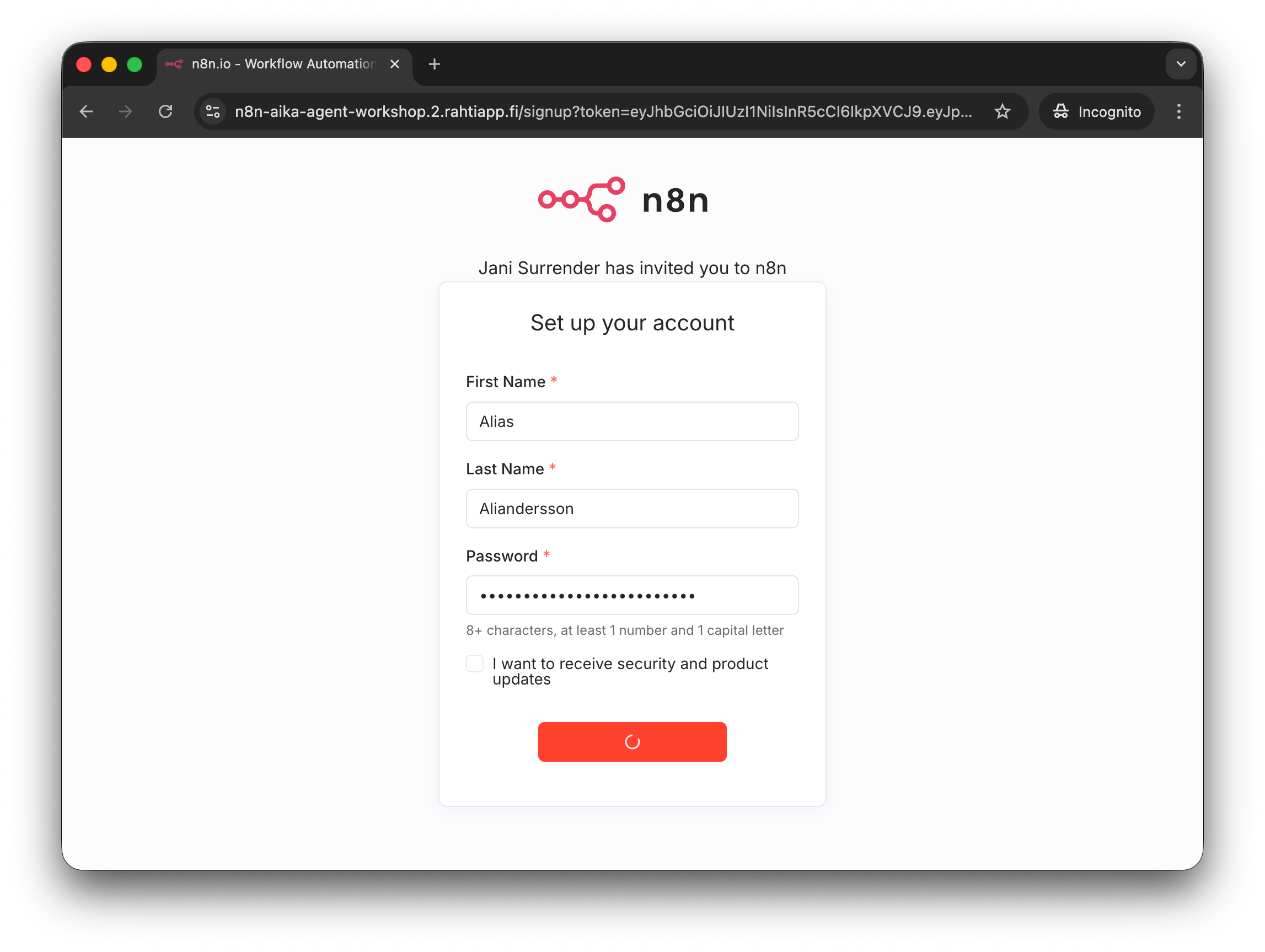
Note that the password was first written into the Notes and then copied to here. This is to make sure that password is not lost and a typo is not made.
You should now have access to n8n.
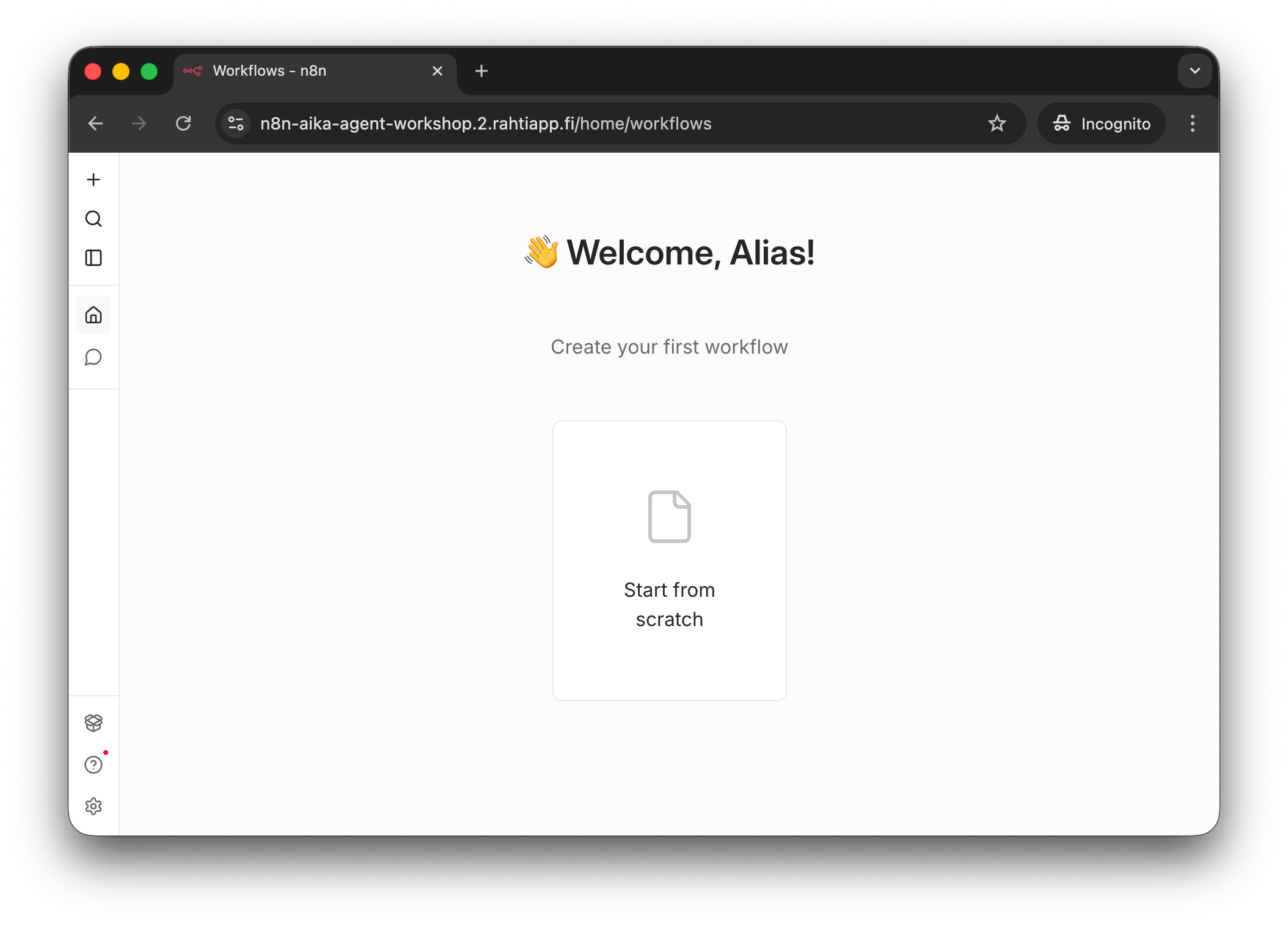
This is the n8n welcome page after signing up and potentially cliking e.g. Skip or Continue to site after any unnecessary onboarding steps.
Copy the URL of the n8n instance into your Notes. It should look like this: https://n8n-aika-agent-workshop.2.rahtiapp.fi. This is simply to make it easier to navigate back if you accidentally close the browser tab.
Your Notes should now contain...
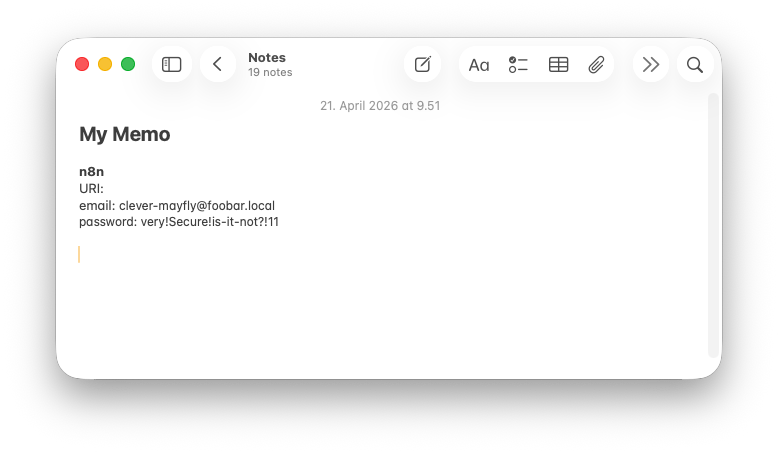
The n8n URL and password have been added to the Notes.
Step 3: Mattermost invite
The instructor should have shared a Mattermost invite link with the whole group. It is the same link for every participant. It should look like this: https://mattermost-aika-agent-workshop.2.rahtiapp.fi/signup_user_complete/?id=5thm74pt5bfp5xeimwi3nqybzc. Access the link.
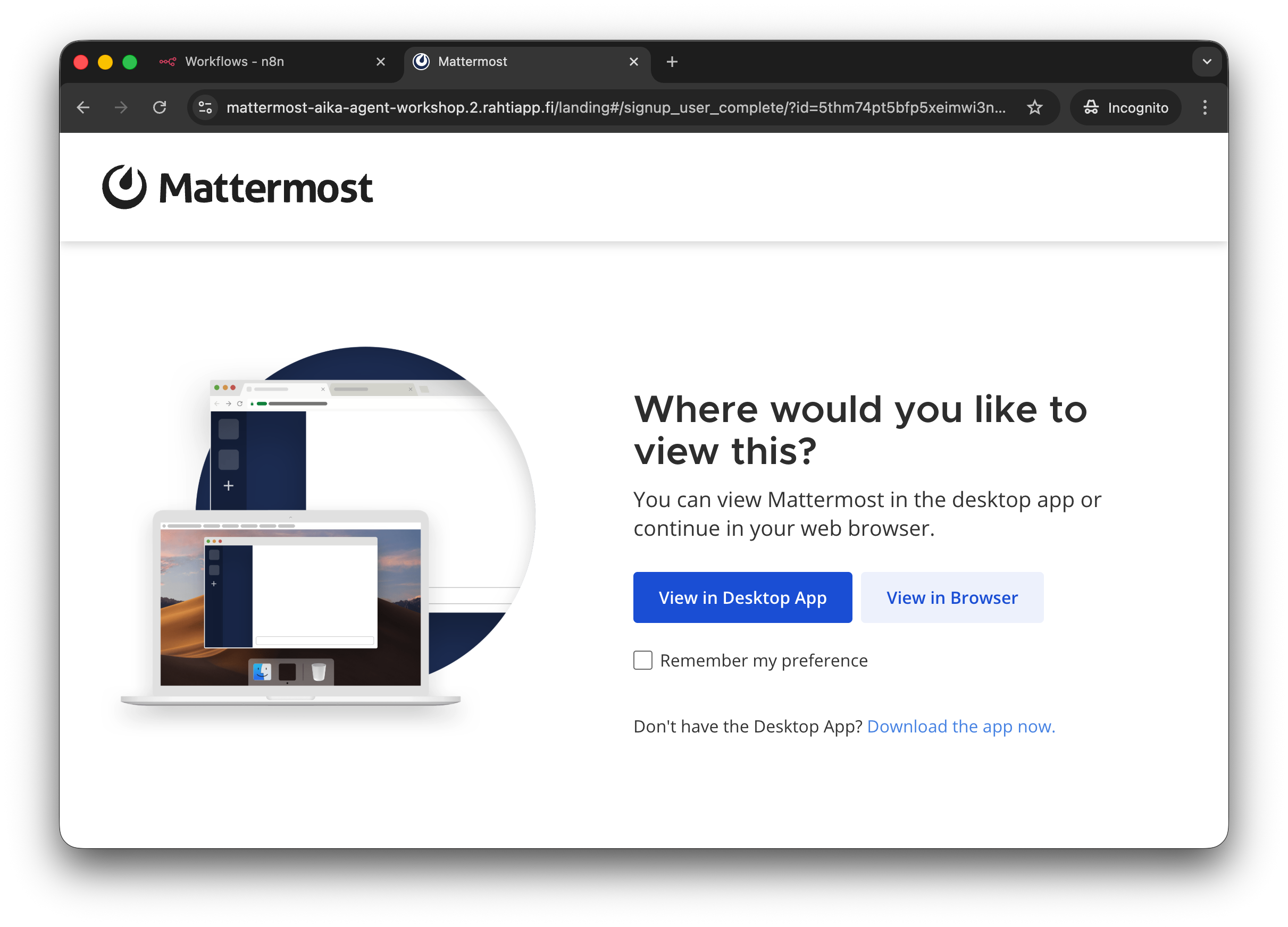
Mattermost will ask you whether you want to use a Desktop App or the Web version. Choose the Web version for simplicity.
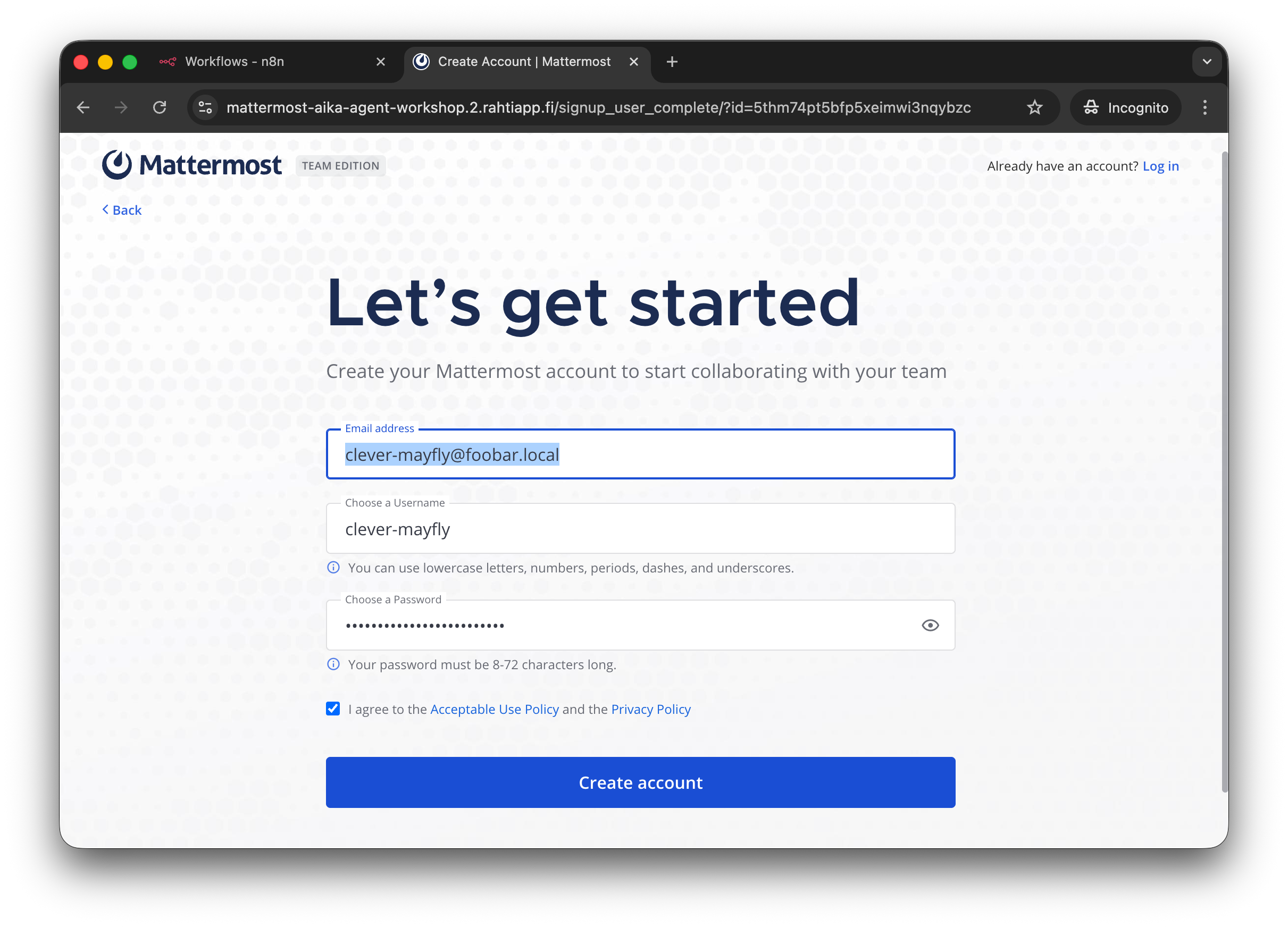
Use the same email as before. You can use same or different password. You need to pick a username. To avoid using your imagination, you can use the email's local part (before the @) as the username. In this example, it would be clever-mayfly.
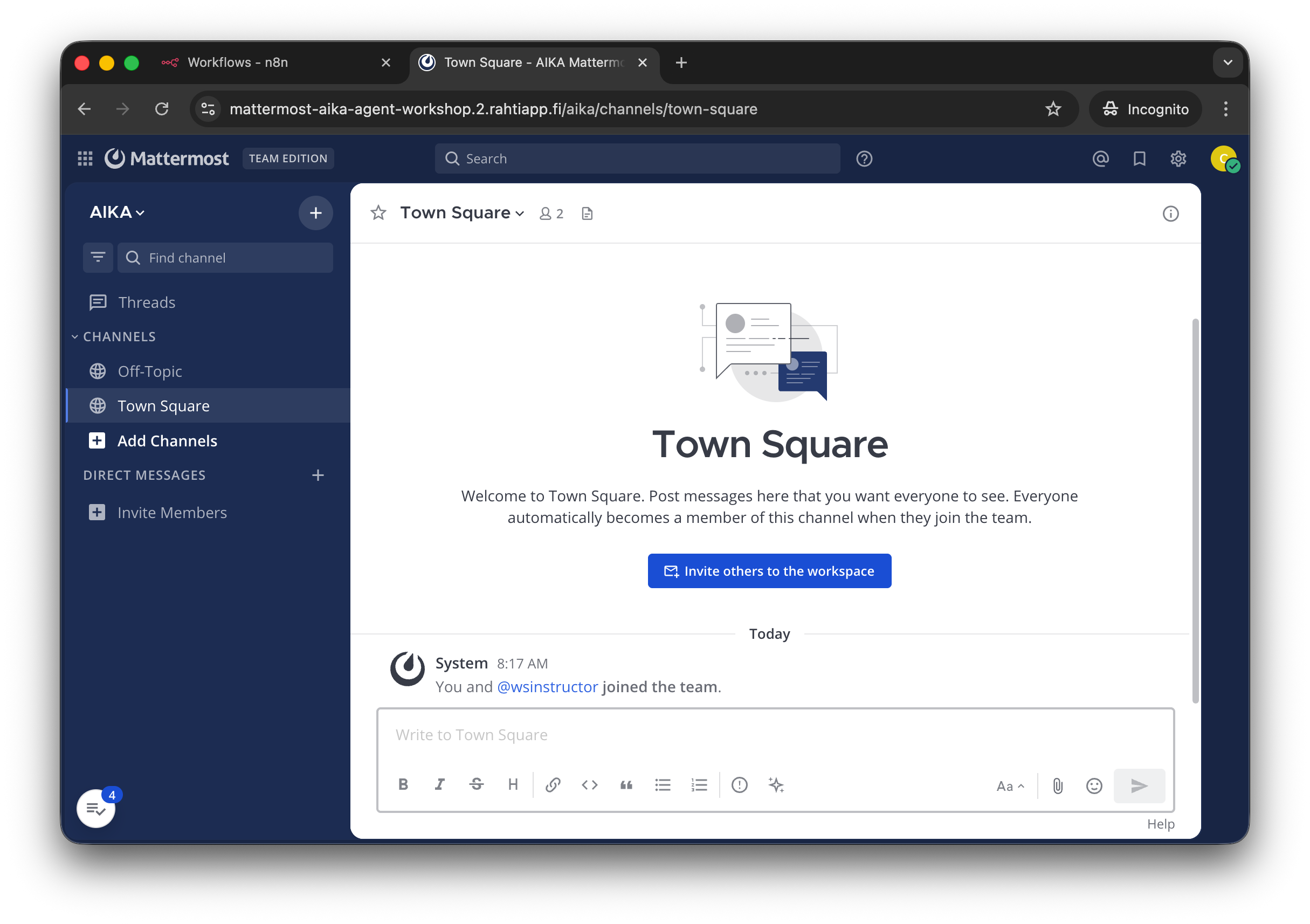
After this simple signup, you have an access to Mattermost workspace. If you have ever used Slack, Discord, RocketChat or even Teams Team Workspace Whatever Microsoft Calls Them, you will feel right at home.
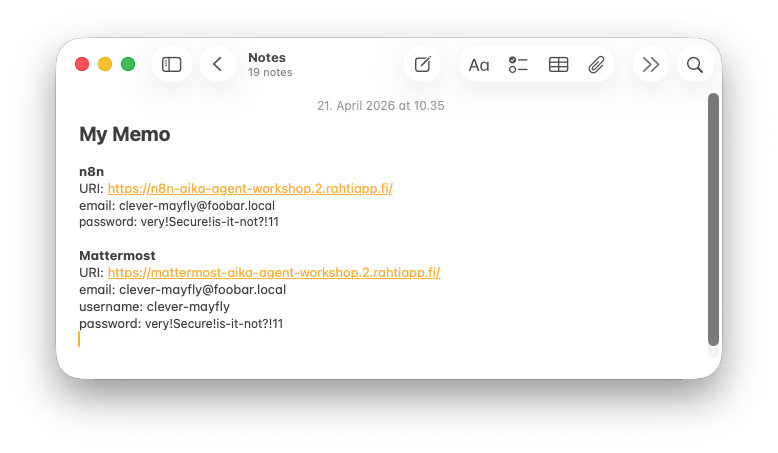
Remember to add the new information into your Notes! Please, do not lose access to your account during the workshop.
Step 4: MinIO credentials
The MinIO credentials are in the JSON you received from the instructor. Test login and copy the information into your notes. The url should be minio-console-aika-agent-workshop.2.rahtiapp.fi/. The username and password are in the JSON as minio_username and minio_password.
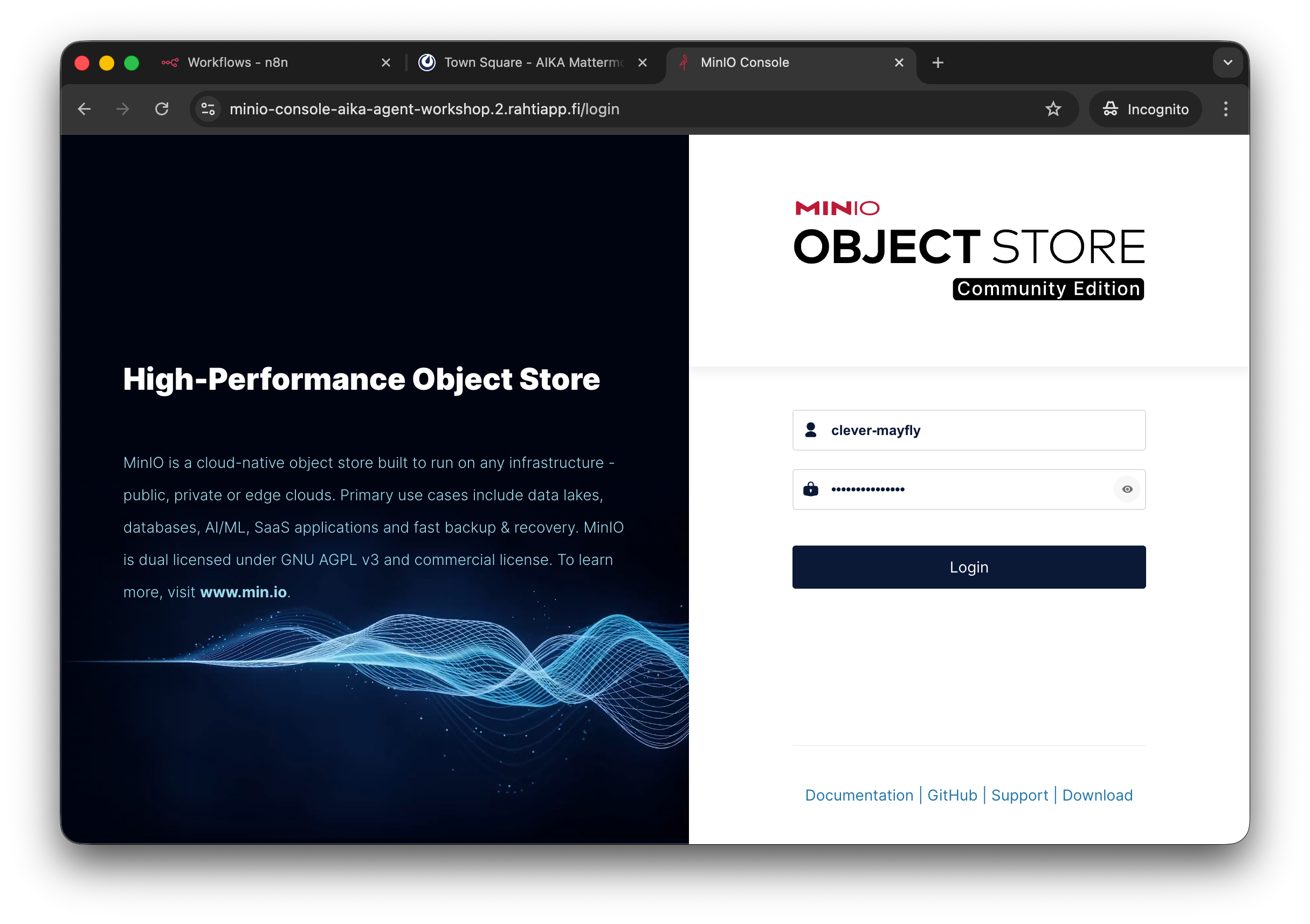
This is the MinIO login page. Use the credentials from the JSON to log in.
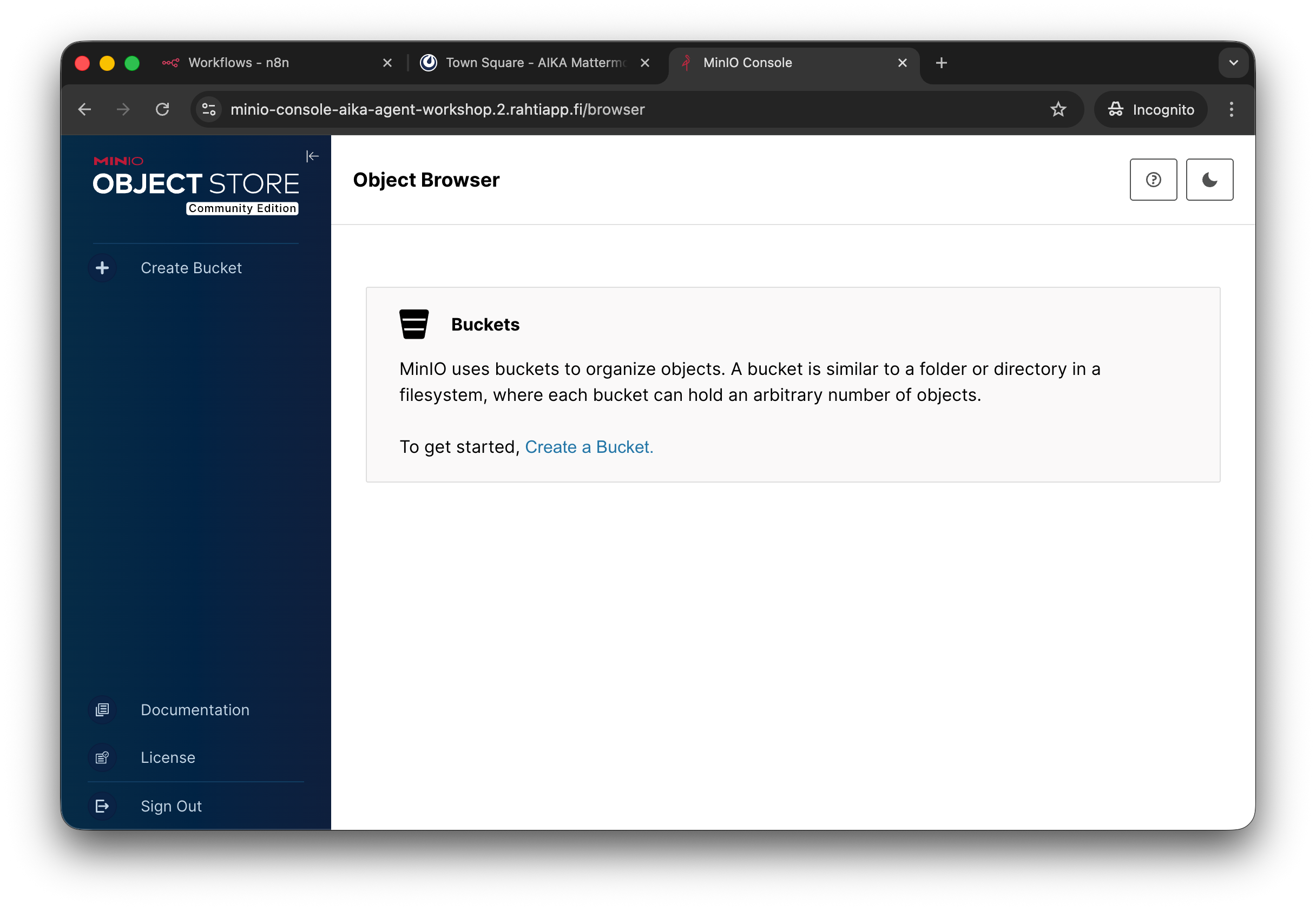
This is the MinIO landing page. You can ignore the "Create bucket" dialog for now. Just verify that you have access and then copy the URL into your Notes.
Success check
At the end of this phase, you should have a note that contains the following information:
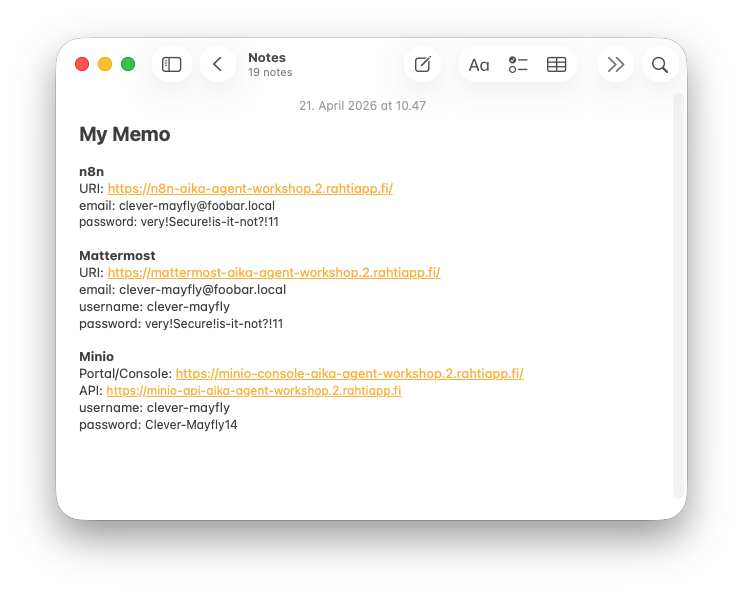
Notes contains the n8n, Mattermost and MinIO key information. At this stage, make sure you have saved the MinIO console URL together with your minio_username and minio_password.