Phase 2: First Workflow Ever
Goal
The goal of this phase is to get comfortable with the n8n editor by importing a very small workflow, running it, and inspecting what each node does.
Workflow JSON
Create a new empty workflow in n8n and paste the JSON below into the editor.
{
  "name": "First Workflow Ever",
  "nodes": [
    {
      "parameters": {},
      "type": "n8n-nodes-base.manualTrigger",
      "typeVersion": 1,
      "position": [
        0,
        0
      ],
      "id": "1c9e5c65-8d25-4ccb-9047-b7d4e18c64d7",
      "name": "When clicking Execute workflow"
    },
    {
      "parameters": {
        "jsCode": "return [\n  {\n    json: {\n      current_time: new Date().toISOString()\n    }\n  }\n]"
      },
      "type": "n8n-nodes-base.code",
      "typeVersion": 2,
      "position": [
        208,
        0
      ],
      "id": "279339b0-b7ae-419f-9cb8-b11d89ddb211",
      "name": "Code in JavaScript"
    },
    {
      "parameters": {
        "assignments": {
          "assignments": [
            {
              "id": "8fdecf8a-f361-4b38-b5ca-727567615629",
              "name": "days_to_christmas_26",
              "value": "={{ \n  DateTime.fromISO(\n    '2026-12-24'\n  ).diff(\n    DateTime.fromISO(\n      $json.current_time), \n      'days'\n  ).days\n}}",
              "type": "string"
            }
          ]
        },
        "options": {}
      },
      "type": "n8n-nodes-base.set",
      "typeVersion": 3.4,
      "position": [
        416,
        0
      ],
      "id": "6605510b-e9c2-4a41-b32c-bce8694f5f43",
      "name": "Edit Fields"
    }
  ],
  "pinData": {},
  "connections": {
    "When clicking Execute workflow": {
      "main": [
        [
          {
            "node": "Code in JavaScript",
            "type": "main",
            "index": 0
          }
        ]
      ]
    },
    "Code in JavaScript": {
      "main": [
        [
          {
            "node": "Edit Fields",
            "type": "main",
            "index": 0
          }
        ]
      ]
    }
  },
  "active": false,
  "settings": {
    "executionOrder": "v1",
    "binaryMode": "separate"
  },
  "tags": []
}
This is the same sharing format that n8n uses on its workflow website. Importing JSON is a normal way to learn, reuse, and inspect workflows.
Step 1: Create an empty workflow
From the n8n overview page, create a new workflow.
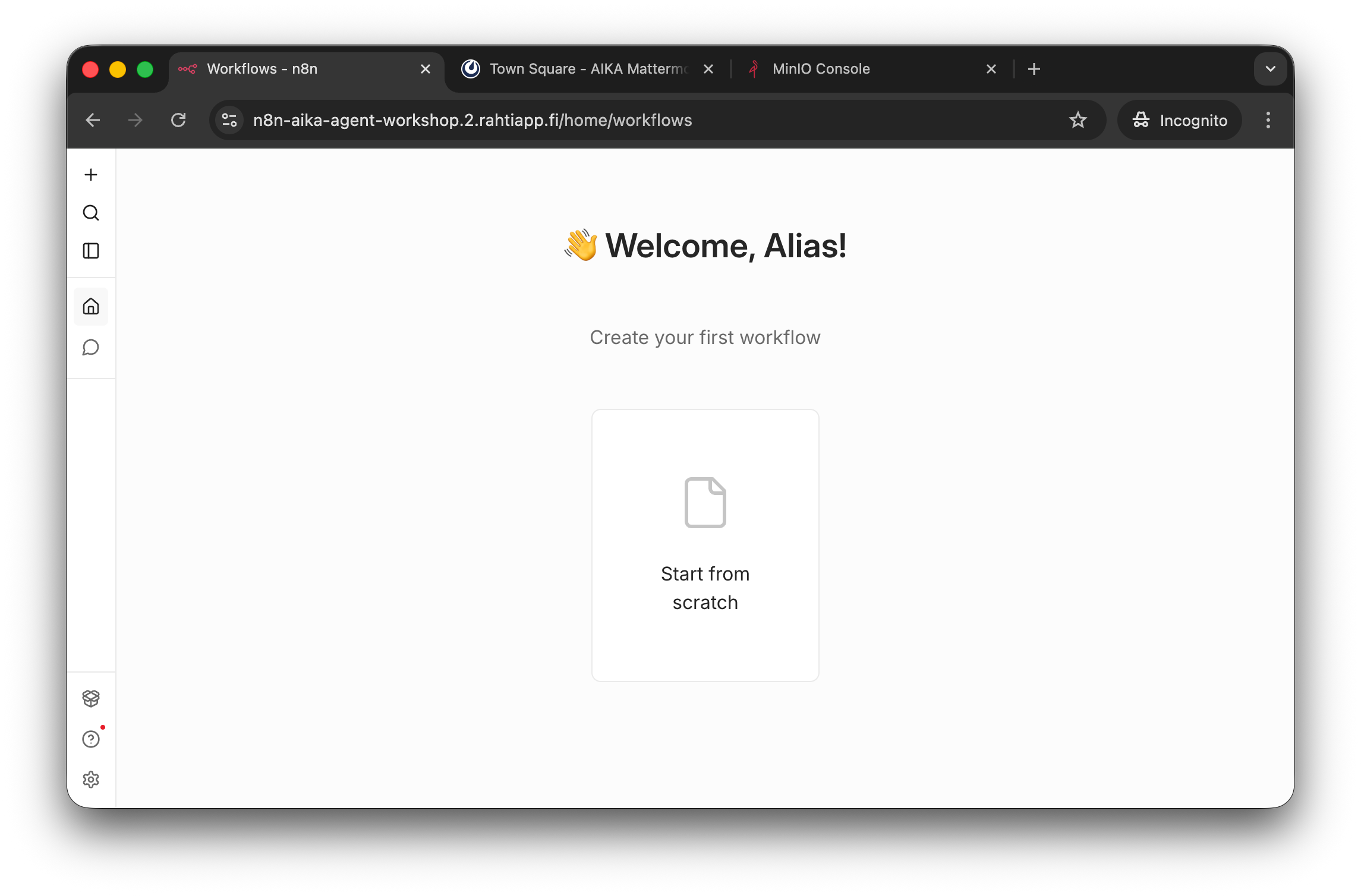
Create a new workflow from the overview page.
An empty workflow is enough. You do not need to add any nodes manually in this mini version.
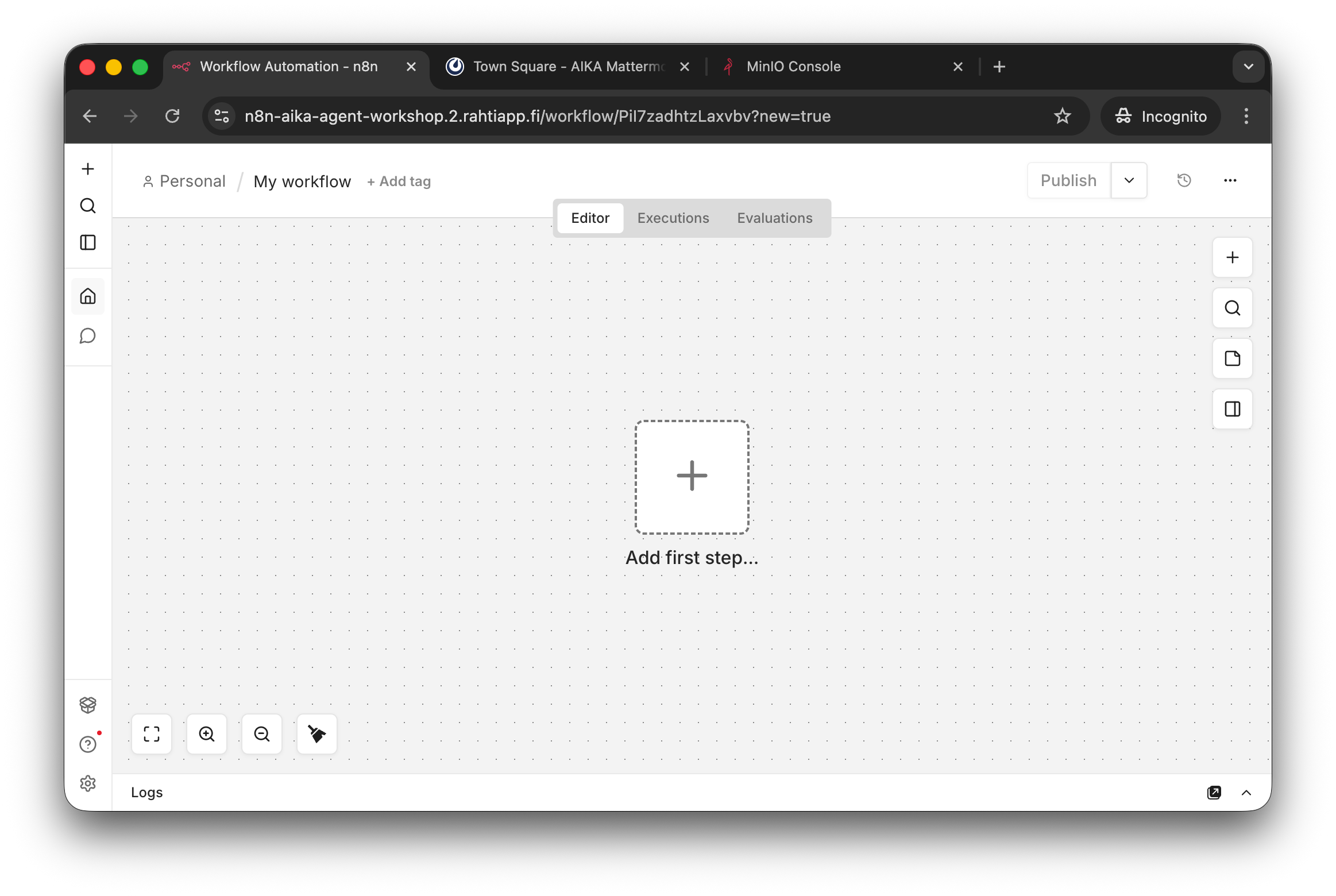
The empty editor is the place where you will paste the JSON.
Step 2: Paste the JSON
Copy the JSON from the admonition above and paste it into the empty workflow editor.
After pasting, you should see a workflow with three nodes:
- a Manual Trigger
- a Code node
- an Edit Fields node
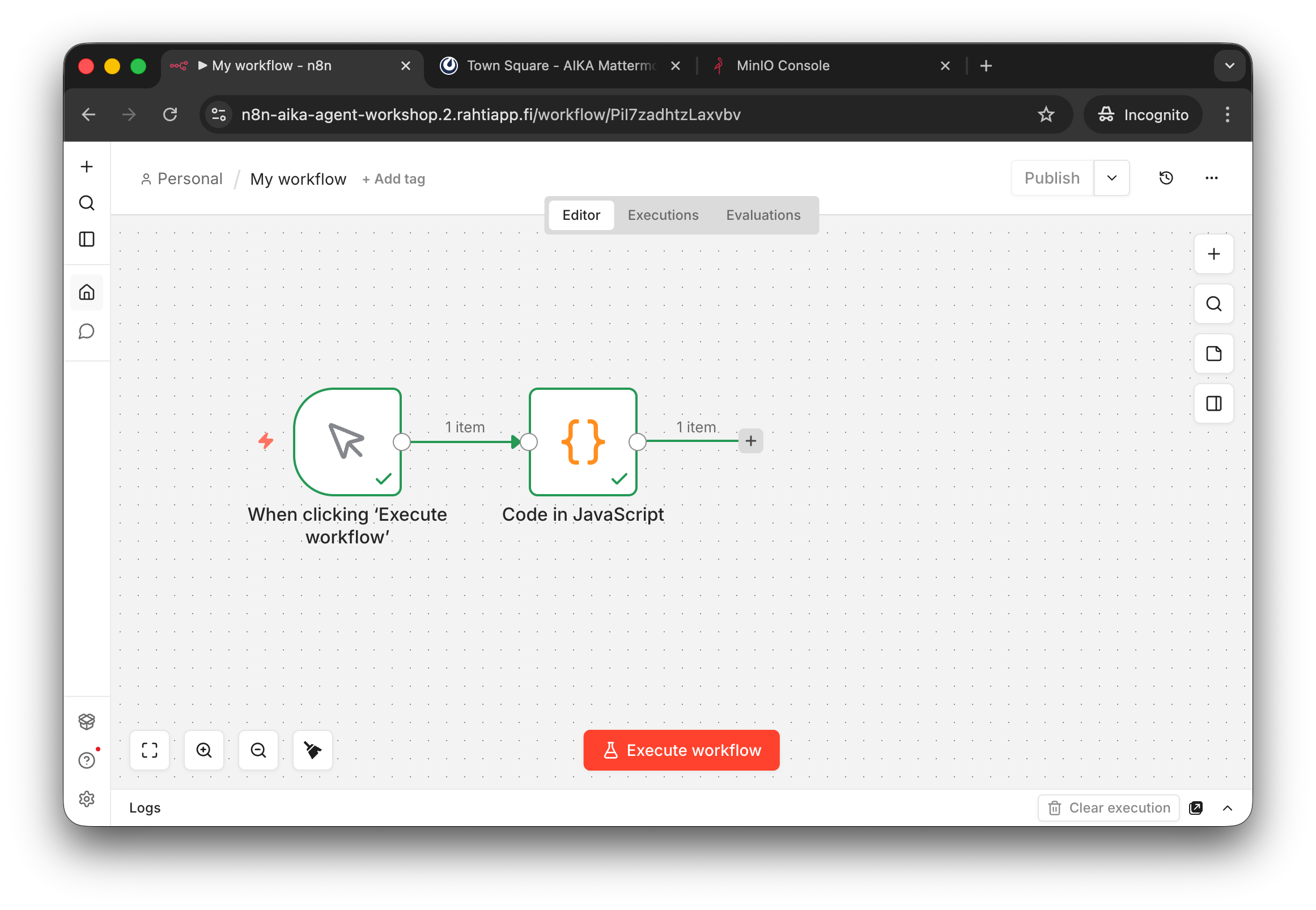
The imported workflow is very small on purpose. The point is to inspect the flow from one node to the next.
Step 3: Execute the workflow
Press Execute Workflow.
The workflow does two things:
- it creates the current time in ISO format
- it computes the difference in days to Christmas Eve 2026
If everything works, each node should show a successful execution state.
Step 4: Inspect the nodes
Open the Code in JavaScript node and inspect the code that creates current_time.
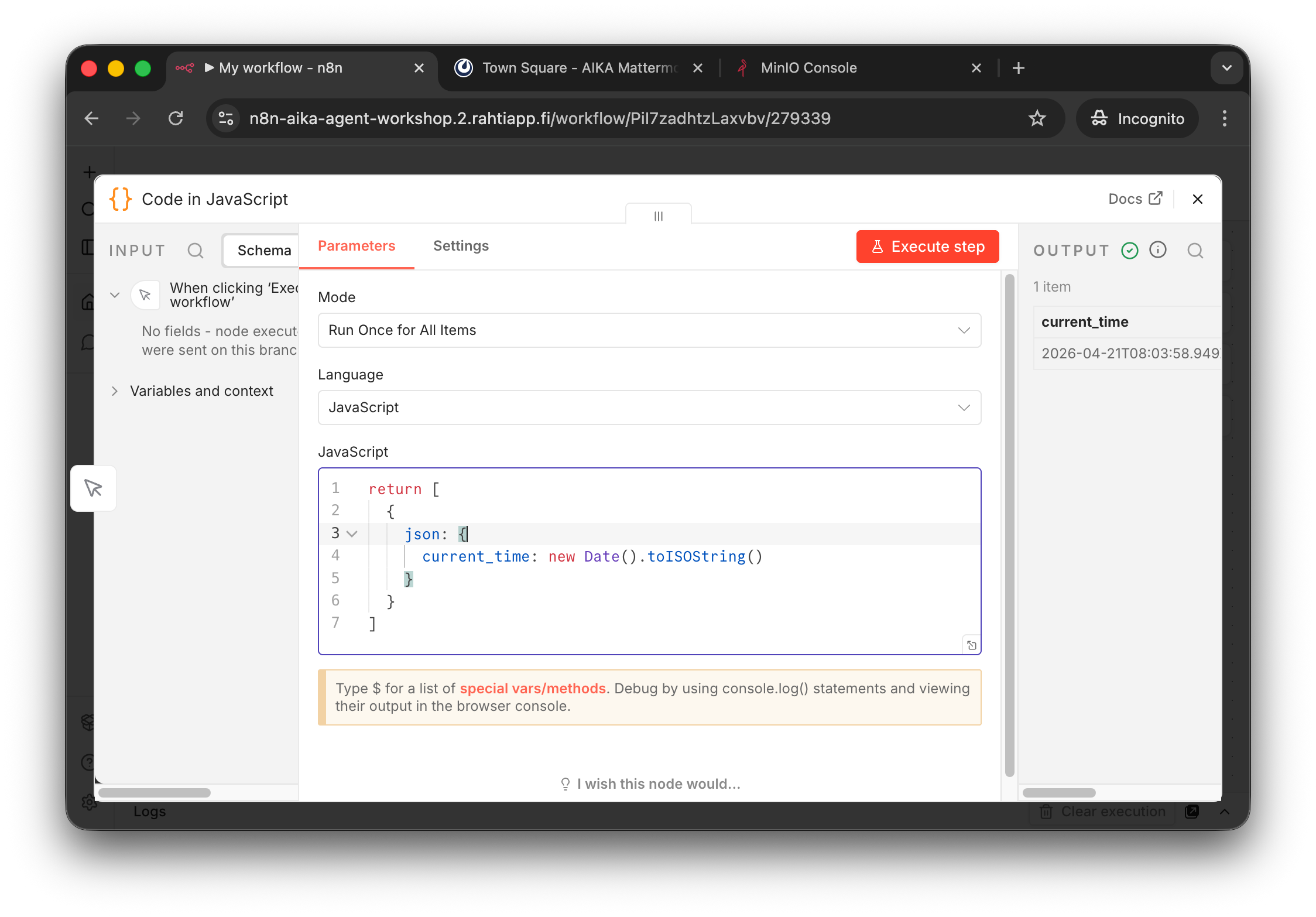
The Code node returns one JSON object with a single field named current_time.
Then inspect the Edit Fields node. It uses an n8n expression to create a new field called days_to_christmas_26.
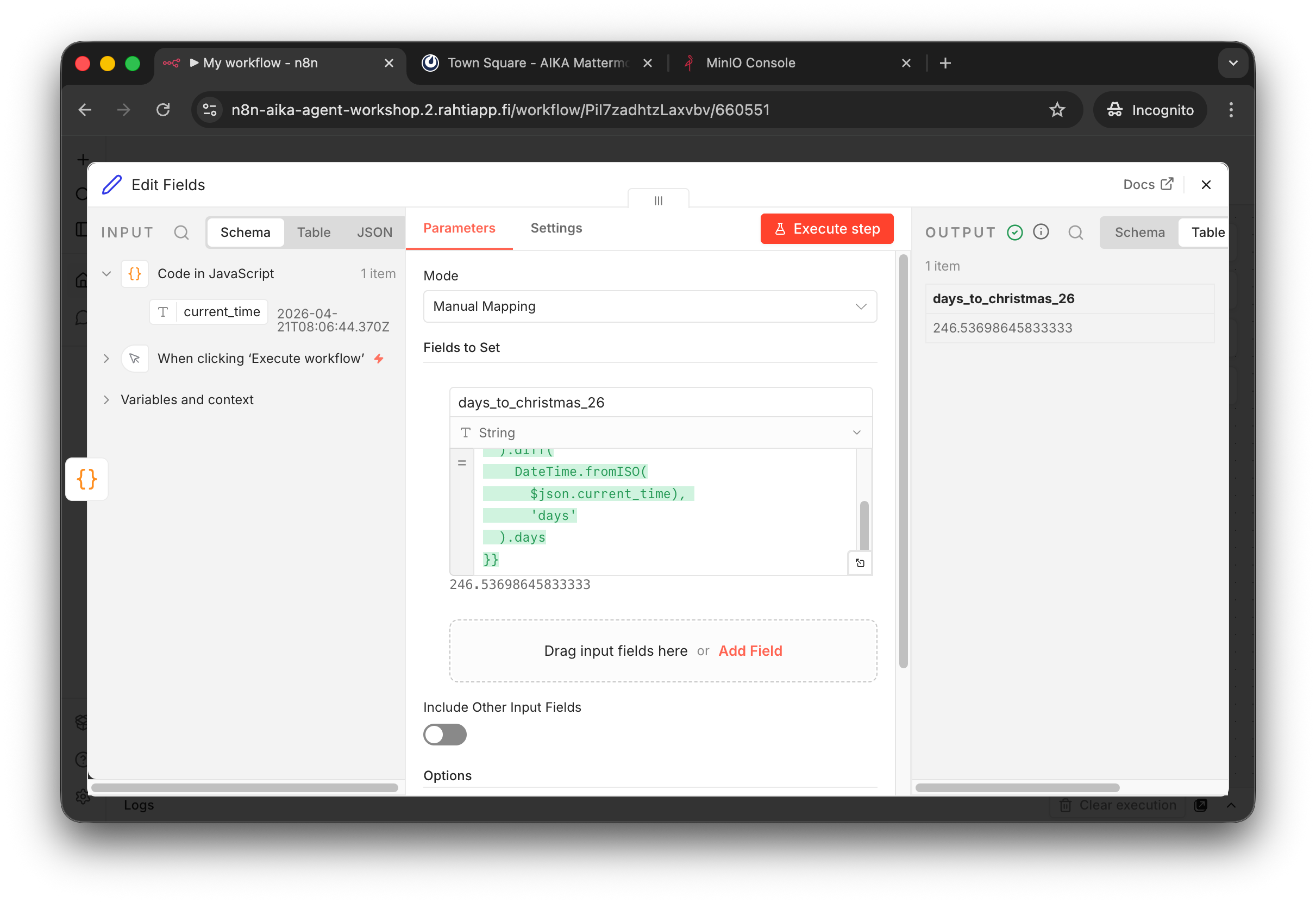
After execution, the last node shows the computed number of days until Christmas Eve 2026.
Step 5: Understand what you imported
This workflow is intentionally simple, but it demonstrates three important ideas:
- JSONs are everywhere. JSON's are everything.
- workflows can start with a manual trigger
- one node can generate structured JSON data for the next node
- another node can transform that data with expressions
Success check
You have completed this phase when:
- you successfully pasted the JSON into a new workflow
- the workflow executed without errors
- you inspected the output of the
Code in JavaScriptnode - you inspected the output of the
Edit Fieldsnode
Continue to Phase 3 when you are ready to import and repair your first AI Agent workflow.